Android light show app

Disco Lights

Turn your phone into a music light show

Disco Lights turns the screen, flashlight, microphone, music player, vibration motor, and multiple phones into the real main-menu modes: DISCO, SMOOTH, FLASH, FLARE, RAVE, VIBRO, SHAKE, TILES, GRAD, SYNC, and SIREN.

11 main-menu modes Live microphone or player response Sync multiple devices
Disco Lights app icon

Choose DISCO for classic color bursts, SMOOTH for flowing transitions, FLASH or FLARE for bright pulses, RAVE for discoball visuals, VIBRO for music visualization, SHAKE for motion control, TILES for a grid of color, GRAD for gradients, SYNC for matching phones, and SIREN for sound-led alerts.

Features

Everything inside the app, explained

01

Music visualization

Use microphone analysis or player visualizer data to react to rhythm, volume, and beats in real time.

02

Screen and flashlight effects

Most visual modes can also pulse the device flashlight when the flash toggle is enabled.

03

Color palette control

Choose enabled colors such as red, orange, yellow, green, cyan, blue, violet, magenta, rose, white, and black.

04

Tempo and sensitivity

Use plus and minus to adjust tempo. Use the extra button to cycle sensitivity or effect variants.

05

Microphone, player, or random

Options include Automatic, Always microphone, Headphones/player mode, and Random colors with microphone off.

06

Phone, tablet, and TV friendly

The app includes rotation, fullscreen, invisible controls, low brightness, and Android TV/Leanback support.

Modes

Real main-menu modes

This list is based on the current Android main menu buttons and their real Activity targets. OPTIONS is excluded because it opens settings, not a light mode.

DISCOMain menu mode

Classic Disco mode with rhythmic color bursts, palette control, tempo tuning, sensitivity, and optional flashlight output.

SMOOTHMain menu mode

Smooth flowing color transitions for a softer light show, with adjustable speed, color set, random colors, and flashlight support.

FLASHMain menu mode

Fast screen flashes for beat-like pulses. Tune the tempo, sensitivity, palette, and flashlight output from the control bar.

FLAREMain menu mode

Bright flare-style pulses with high contrast light, live reaction controls, palette selection, and optional camera flash.

RAVEOpens discoball scenes

The RAVE button opens the discoball visual activity with animated party scenes such as Disco Ball, Laser Show, Salute, and Hyperspace.
VIBROMain menu mode

Music visualizer mode with colorful bars and circles, microphone response, optional vibration feedback, tempo, and flash controls.

SHAKEMain menu mode

Shake the phone to trigger color changes and light flashes, with speed, palette, random color, and flashlight settings.
TILESMain menu mode

A grid of colorful tiles that light up with random colors, tempo, music response, selected algorithms, and flash support.

GRADMain menu mode

Gradient mode for flowing radial, sweep, and linear-style color fields, with beat reaction, palette control, and flashlight output.
SYNCMulti-device mode

Start the same timed light pattern on multiple devices. Select a pattern, set the tempo, then press START together.

SIRENSound and light alerts

Built-in looping siren sounds with matching warning lights, including Siren, Police, Alert, Biohazard, and Fire presets.

Screenshots

Real app screenshots

These are optimized screenshots from Disco Lights: phone menu, discoball particles, laser shows, spectrum visualizers, palette picker, and tablet/TV layouts.

Disco Lights phone main menu
Main menu
Discoball particles mode with colorful glowing dots
Discoball particles
Second discoball particle visualizer screen
Particle visualizer
Laser show with red and cyan beams
Laser show
Laser show with pink and blue beams
Neon lasers
Circular music spectrum visualizer
Circular spectrum
Rainbow spectrum bars visualizer
Spectrum bars
Color palette picker overlay
Palette picker
Disco Lights tablet menu
Tablet menu
Landscape discoball ring mode
Landscape rings
Landscape particles mode
Landscape particles
Landscape orbit particle mode
Orbit visualizer
Discoball view with tile sphere
Discoball

How to use

Quick start guide

1

Choose a mode

Open Disco Lights and pick DISCO, SMOOTH, FLASH, FLARE, RAVE, VIBRO, SHAKE, TILES, GRAD, SYNC, or SIREN from the main menu.

2

Turn on music

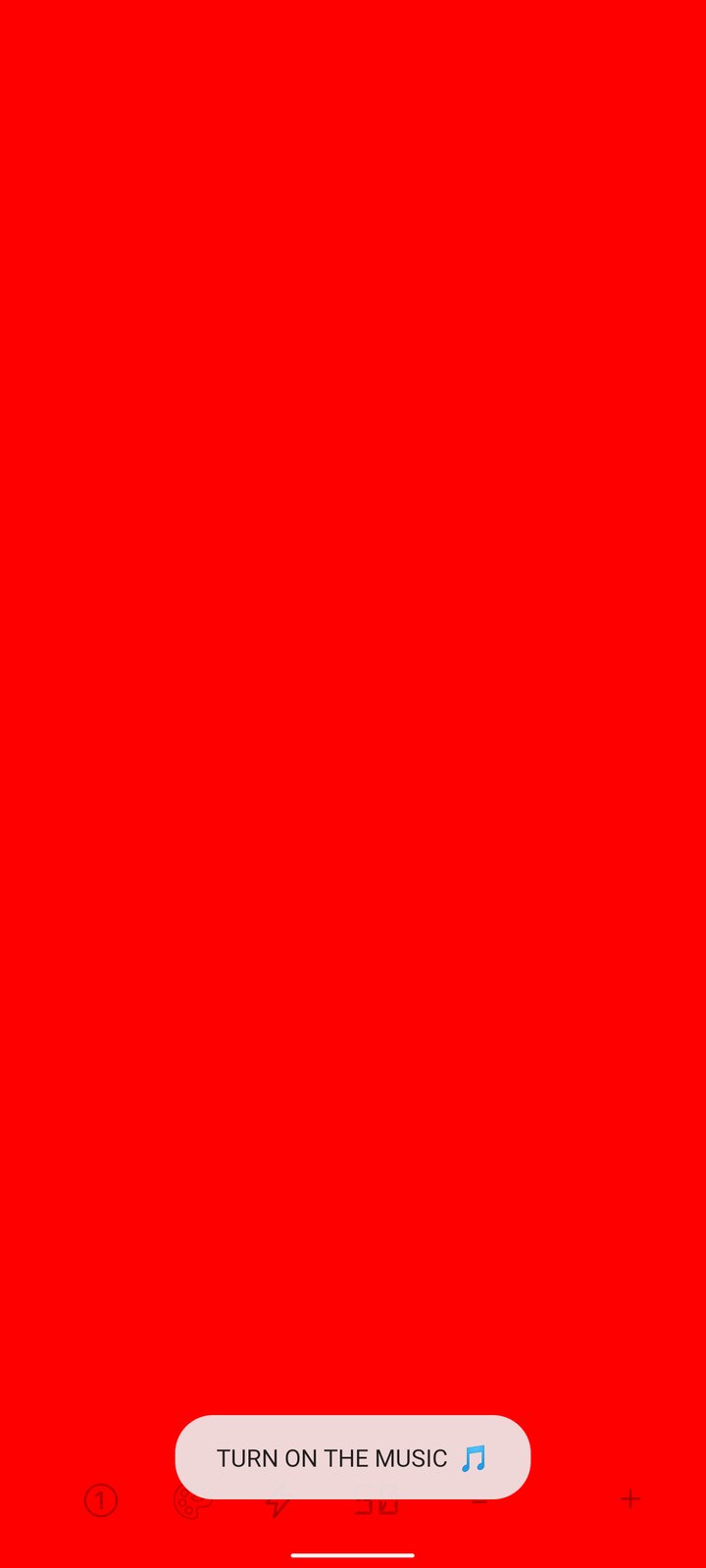
Play music on the device, headphones, Bluetooth, or an external speaker. If no music is detected, the app can warn you to turn music on.

3

Pick audio behavior

In Options choose Automatic, Always use microphone, Headphones mode, or Random colors with microphone off.

4

Tune the controls

Use + and - for tempo, the palette button for colors, the flash button for flashlight, and the extra button for sensitivity or variants.

5

Use RAVE scenes

In RAVE, tap the submode button to rotate between Disco Ball, Lasers, Salute fireworks, and Hyperspace.

6

Sync phones

Open Sync on multiple devices, select the same pattern, set the tempo, then press START on every phone at the same time.

DISCOcolor bursts
SMOOTHsoft transitions
FLASHfast pulses
FLAREbright hits
RAVEdiscoball scenes
VIBROmusic response
SHAKEmotion trigger
TILESgrid lights
GRADgradient fields
SYNCmany devices
SIRENwarning lights

Audio & settings

Control how the app reacts

Automatic mode

The app detects whether to use microphone or player/headphones behavior when possible.

Always microphone

For speakers and room sound, use the microphone so colors react to real-world audio.

Headphones mode

When music is played through headphones or Bluetooth, the app can use player visualizer data instead of microphone input.

Random colors

Use visual modes without microphone analysis. Colors move randomly, useful when you do not want microphone access.

Display options

Low brightness, rotate screen, hide navigation buttons, and invisible controls help the phone behave like a clean light panel.

TV support

The manifest includes Android TV/Leanback support and optional touchscreen, accelerometer, and microphone hardware.

Permissions

Microphone access explained clearly

Disco Lights uses microphone access only for real-time sound analysis and visualization. Audio is processed locally on the device and is not sent to a server. You can also choose Random colors or manual-style modes without microphone-based visualization.

Privacy

Simple privacy promise

Read the full Privacy Policy for details about microphone permission, temporary local processing, website data, AI assistant chat logging, and support contact information.

Contact

Available on Google Play

Download Disco Lights on Google Play or contact support: dis_lights@proton.me

Disco Lights

DJ BeatBot

Hi, I’m DJ BeatBot. Ask me about modes, settings, music response, Sync, or troubleshooting.

Chats may be logged with language and country to improve support.